
Creating a beautiful image gallery in WordPress is one of the best ways to showcase photography, portfolios, products, or creative work. Instead of using basic image blocks, you can use a powerful plugin like peLightbox Gallery Slider to create modern galleries with sliders, lightbox popups, and video support.
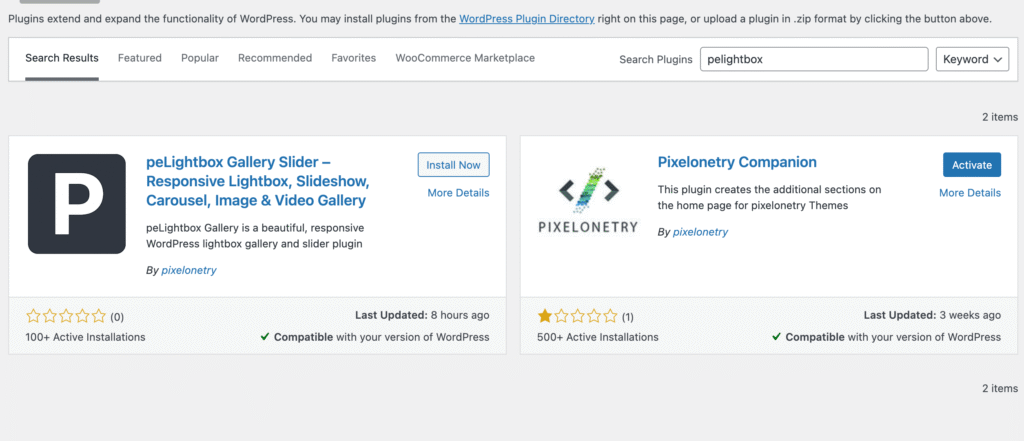
👉 Plugin used: https://wordpress.org/plugins/pelightbox-gallery-slider/
peLightbox Gallery Slider is a WordPress plugin that allows you to create advanced image and video galleries with multiple display styles.
It supports:
This makes it perfect for photographers, designers, and creative websites.
You can now:
Arrange them in the order you want.
Select from available layouts:
You can also enable:
Your gallery is now live 🎉
✔ Easy to use for beginners
✔ Supports images and videos
✔ Multiple gallery layouts
✔ Lightbox popup support
✔ Mobile responsive design
✔ Works with most WordPress themes
This plugin is perfect for:

We're are pixelonetry creative studio! we make great digital assets for professionals...