How to Create a Portrait Photography Gallery in WordPress
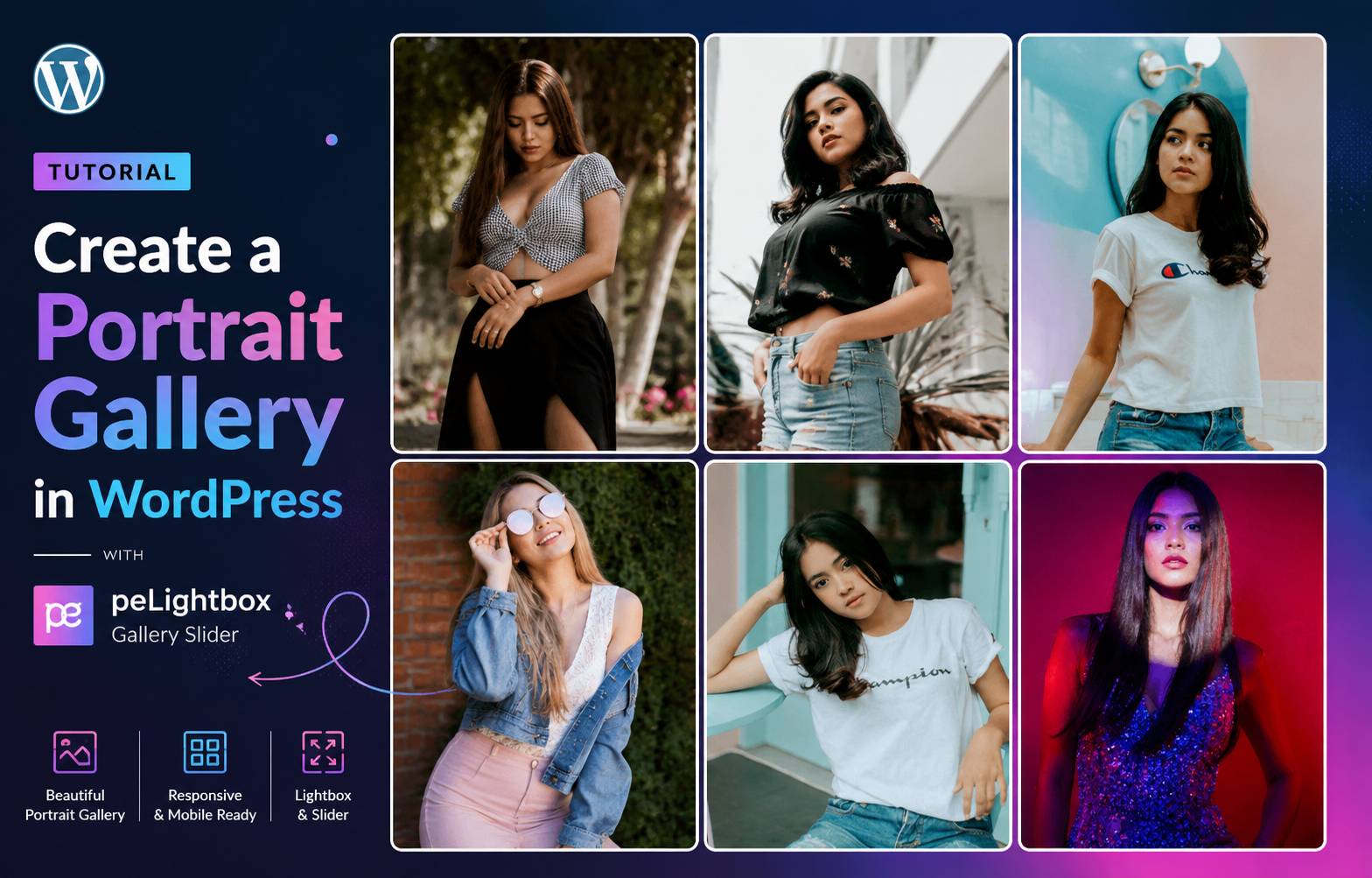
If you want to showcase portrait photography on your website, creating a dedicated portrait gallery is a great way to display your images professionally. A gallery allows visitors to view photos clearly and navigate between images easily.
With WordPress and the peLightbox Gallery Slider plugin, you can create responsive portrait photography galleries without writing any code.
In this tutorial, you’ll learn how to create a portrait photography gallery step-by-step.
A portrait photography gallery is designed to display vertical images commonly used for:
Portrait images usually have a vertical orientation, which helps highlight individual subjects and create a clean visual layout.
First, install the peLightbox Gallery Slider plugin from your WordPress dashboard.
After installing the plugin:
The plugin allows you to create unlimited galleries and easily organize your images.
Once your gallery is ready:
Example:
[pelightboxgallery id="55"]Paste the shortcode into any post or page in WordPress to display your gallery.
You can also follow the full video tutorial below:
You can view a working example of the portrait photography gallery here:
👉 https://pixelonetry.com/pelightbox/portriat-gallery/
This helps create a clean and professional photography gallery.

We're are pixelonetry creative studio! we make great digital assets for professionals...