How to Choose WordPress Hosting
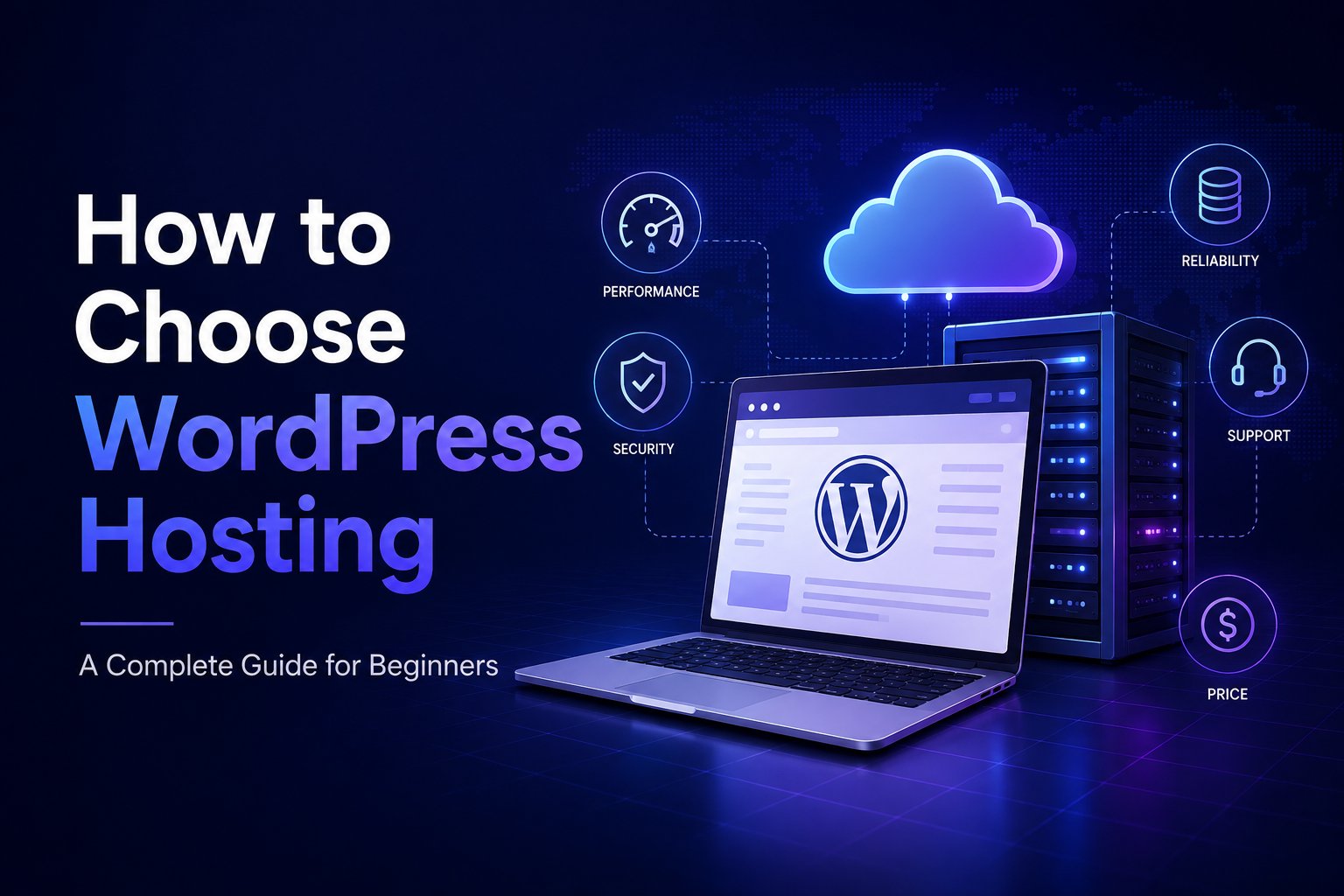
Choosing the right WordPress hosting can have a big impact on your website’s speed, security, reliability, and user experience.
With so many hosting providers and plans available, it can be difficult to choose the best hosting for your website. In this article, we’ll explain and show you how to find the best hosting for your website.
If you’re already comparing hosting providers, check our Best Web Hosting for WordPress guide.
WordPress hosting is a web hosting service designed to run WordPress websites.
That includes features such as WordPress installation, automatic updates, backups, SSL, caching, CDN, security tools, and WordPress-specific support.
The right type of hosting depends on your website size, traffic, technical requirements, and budget.
Before choosing a hosting provider.
Consider:
A small blog usually doesn’t need the same resources as a busy online store.
Website speed is an important factor when choosing hosting.
Look for features such as:
Remember that hosting is only one part of website performance. Your theme, plugins, images, and website configuration also affect loading speed.
A good hosting provider should offer security features that help protect your website.
Depending on the provider, these may include:
You should also keep WordPress, themes, and plugins updated.
Backups are essential for WordPress websites.
Before purchasing hosting, check:
For important websites, maintaining an independent backup is also a good idea.
Good support can save you time when something goes wrong.
Look for:
Support can be especially important if you’re new to WordPress hosting.
Make sure the hosting environment supports the WordPress features you need.
Check compatibility with:
If you’re using premium themes or plugins, check their system requirements before purchasing hosting.
Don’t look only at storage or bandwidth.
Also check:
“Unlimited” doesn’t always mean unlimited server resources, so read the plan’s terms carefully.
One of the most important things to check is the renewal price.
Hosting companies often advertise a lower introductory price that increases when the promotional period ends.
Before buying, compare:
Initial price → Renewal price → Billing period
Don’t choose a provider based only on its cheapest promotional offer.
Shared hosting is usually affordable and can work well for:
Managed WordPress hosting is designed specifically around WordPress and may include:
It usually costs more but can reduce the amount of technical maintenance you need to handle yourself.
Some popular providers include:
For a detailed comparison of these providers, visit our Best Web Hosting for WordPress guide.
The best hosting isn’t necessarily the cheapest or most expensive option.
Focus on:
Performance + Security + Reliability + Support + Resources + Scalability + Price
Choose a provider that fits your current needs while giving your website room to grow.
If you’re ready to compare specific hosting providers, check our Best Web Hosting for WordPress guide.
Look for easy WordPress installation, SSL, backups, security features, good support, and an affordable upgrade path.
It can be worth it if you want WordPress-specific management, automatic updates, backups, security, and support.
Prices vary by provider and plan. Always compare both introductory and renewal prices.
Yes. WordPress websites can generally be migrated to another hosting provider.
You can, but you don’t have to. Your domain and hosting can be managed by different companies.

We're are pixelonetry creative studio! we make great digital assets for professionals...