Best Free WordPress Gallery Plugin 2026 (Lightbox & Video)

If you want to create awesome image and video galleries, elegant sliders with a lightbox on your WordPress site, you can do it easily and quickly if the plugin performs well. Choosing the right plugin is essential. A good gallery plugin doesn’t just display your images; it improves your website’s user experience and helps your content appear correctly. When users or customers see beautiful, attractive galleries, it boosts engagement.
In this guide, we’ll explore one of the best free options available: peLightbox Gallery Slider, a lightweight yet powerful plugin that lets you build responsive galleries with lightbox effects and video support—without writing any code.
In this article, we’ll explore one of the Best Free WordPress Gallery Plugin 2026 available: peLightbox Gallery Slider. It is a lightweight yet powerful plugin with many strong features and possibilities. It lets you build responsive galleries, sliders, and lightbox effects, as well as video galleries—without writing any code.
Why You Need a WordPress Gallery Plugin
The default WordPress gallery is basic. It works, but it lacks modern features like:
Many site owners use plugins like peLightbox Gallery Slider to create more awesome, beautiful galleries easily.
With peLightbox Gallery Slider, you can choose from multiple layouts:


This flexibility helps match your site’s design and branding.
When users click on an image, it opens in a modern lightbox with:
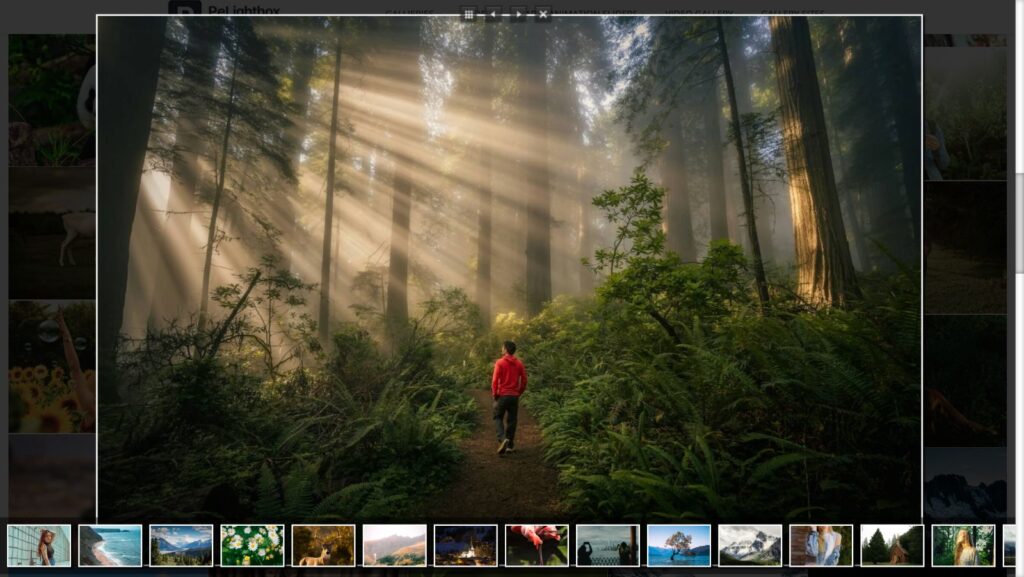

You can easily create video galleries with a lightbox or inline display, including:
It is perfect for portfolios, tutorials, product showcases, and much more.




Your galleries automatically adjust to:
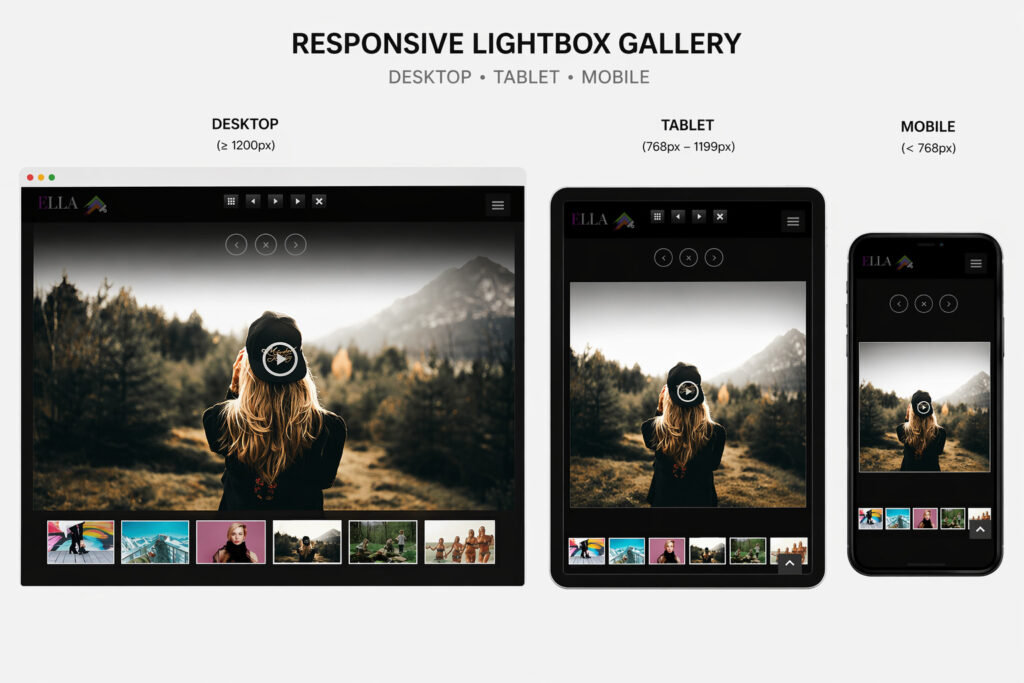
It also supports swipe gestures for mobile users.
The plugin is optimized for performance, ensuring:
Works well with popular page builder plugins
Build galleries and sliders easily without coding using Elementor or WPBakery.
Additional features include:
Real user feedback is always important when choosing a plugin.
Users on WordPress.org have shared positive experiences about this plugin, especially praising its simplicity and smooth performance. One user described it as “impressive” in their review.
👉 Read full user discussion here:
https://wordpress.org/support/topic/impressive-329/
This adds trust and shows that real users are satisfied with the plugin.
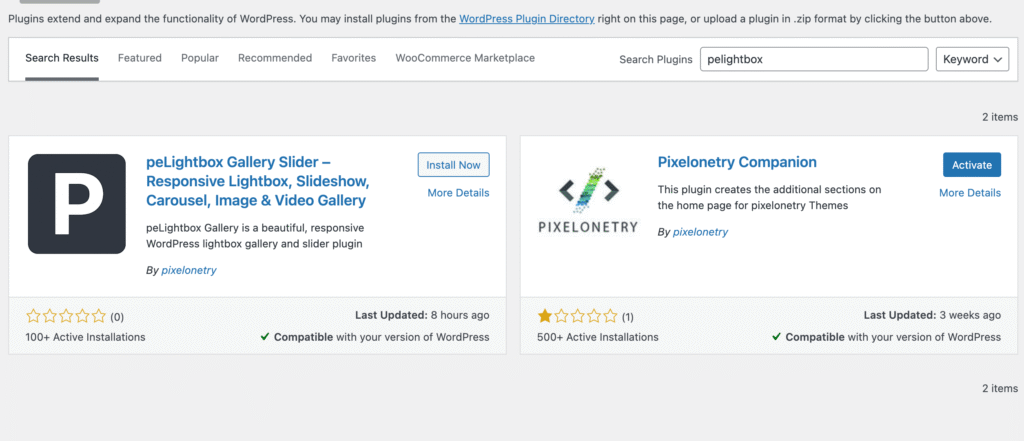
Yes, it is completely free from the WordPress plugin repository.
Yes, it supports YouTube and Vimeo videos.
Yes, it is fully responsive and supports touch gestures.
Yes, it is very easy to install and use.