How to Create a Bookmaker Comparison Table in WordPress
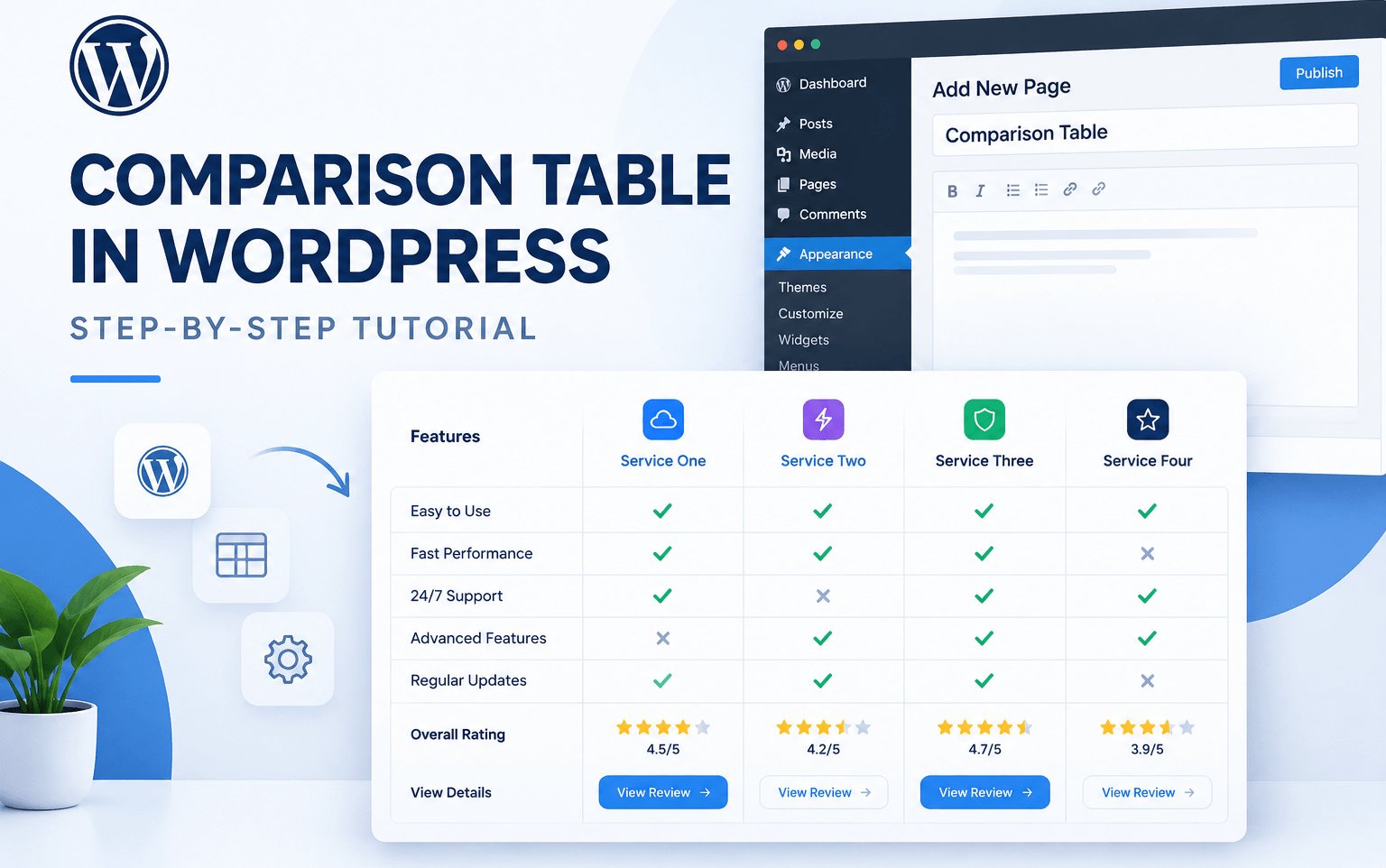
A bookmaker comparison table is one of the most useful elements of a sports betting affiliate website. It helps visitors compare betting platforms, review their best features, and find the important information they need before choosing one.
If you are building a sport betting affiliate website with WordPress, adding a well-structured comparison table can improve the user experience and make your content more useful.
In this article, we’ll show how to create a bookmaker comparison table in WordPress! and choose the right WordPress theme for your project.
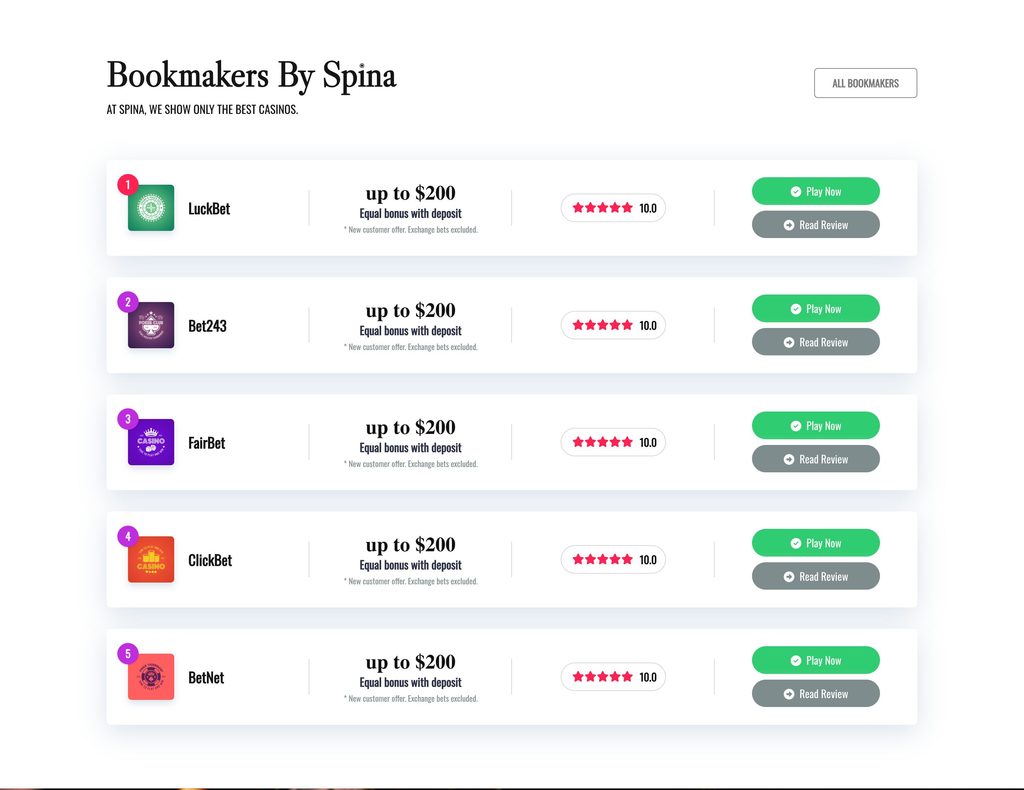
A bookmaker comparison table presenets information about multiple betting platforms.
Separate reviews, visitors can compare key details in one place.
Depending on your website’s purpose, a comparison table may include:
A well-designed table can make a sports betting website easier to use.
Visitors can easily understand the information presented in the tables, compare betting websites, and choose the platform that best suits their needs.
Well-structured comparison tables make affiliate content cleaner, more organized, and easier for users to read.
Many visitors browse websites on mobile devices and tablets, so responsive comparison tables help ensure a smooth browsing experience across different screen sizes.
There are best ways to build a comparison table.

Spina Casino, Sportsbook & Review Affiliate WordPress Plugin is the best for building bookmaker listings, comparison tables, review pages, and affiliate content on a WordPress website.
Explore the plugin: Spina Casino, Sportsbook & Review Affiliate WordPress Plugin

If you’re looking for a WordPress theme designed for casino and sports betting affiliate websites, Spina Premium by Pixelonetry offers ready-made layouts and affiliate-focused design features.
The theme useful features for affiliate website owners:
Explore Spina Premium: View the Spina Casino Affiliate WordPress Theme.
The best tables focus on information that genuinely helps visitors evaluate their options.
Consider including the following elements:
| Element | Purpose |
|---|---|
| Bookmaker name | Identifies the platform |
| Review link | Opens a detailed evaluation |
| Betting markets | Shows the types of markets available |
| Payment information | Summarizes supported methods where verified |
| Regional availability | Helps visitors understand geographic restrictions |
| Evaluation score | Summarizes your documented review criteria |
| Last updated date | Indicates when the information was checked |
A comparison table can support your content strategy, but the table itself doesn’t guarantee higher search rankings.
To make your page more useful to search engines and visitors:
Choose a title that accurately describes the page and matches your audience’s search intent.
For example:
Bookmaker Comparison Table: Features, Markets and Reviews

We're are pixelonetry creative studio! we make great digital assets for professionals...