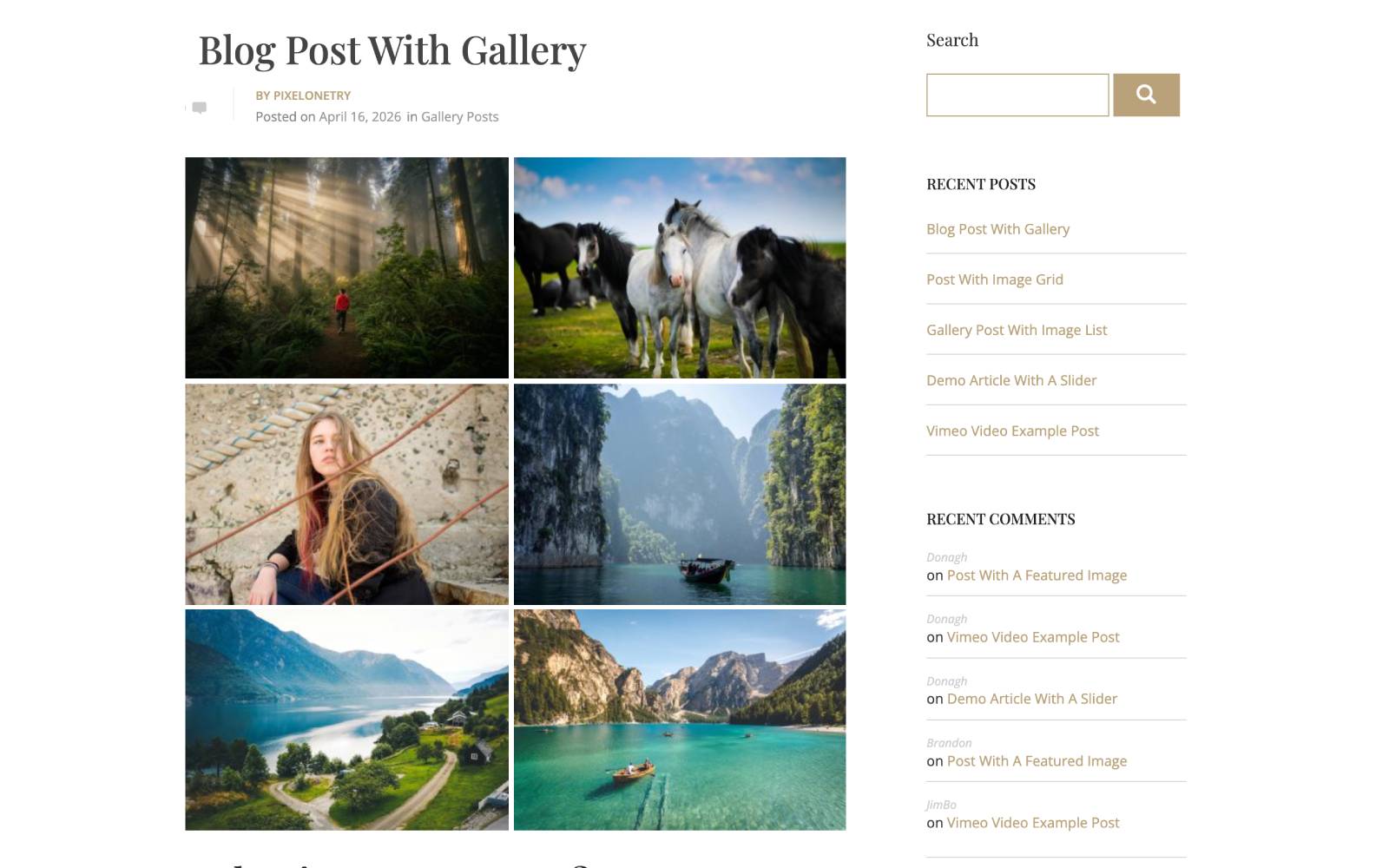
The default WordPress setup allows only a single featured image per post. While this works for basic layouts, it limits your ability to create a rich and engaging visual experience.
The Ella WordPress theme provides a powerful solution by allowing you to transform the featured image into a full gallery or slider with advanced effects and multiple layout options.
👉 You can download or explore the Ella Premium theme here:
https://pixelonetry.com/downloads/ella-premium-one-page-parallax-wordpress-theme/
In this guide, you’ll learn how to turn a featured image into a gallery slider step by step using the Ella theme’s built-in gallery and slider system.
Watch this video to understand how to create a gallery or slider by transforming the featured image.
A single image is limited, but a slider allows you to:
The Ella theme provides multiple visual styles for featured images, including:
These options allow you to fully customize how your content is displayed.
Go To Galleries
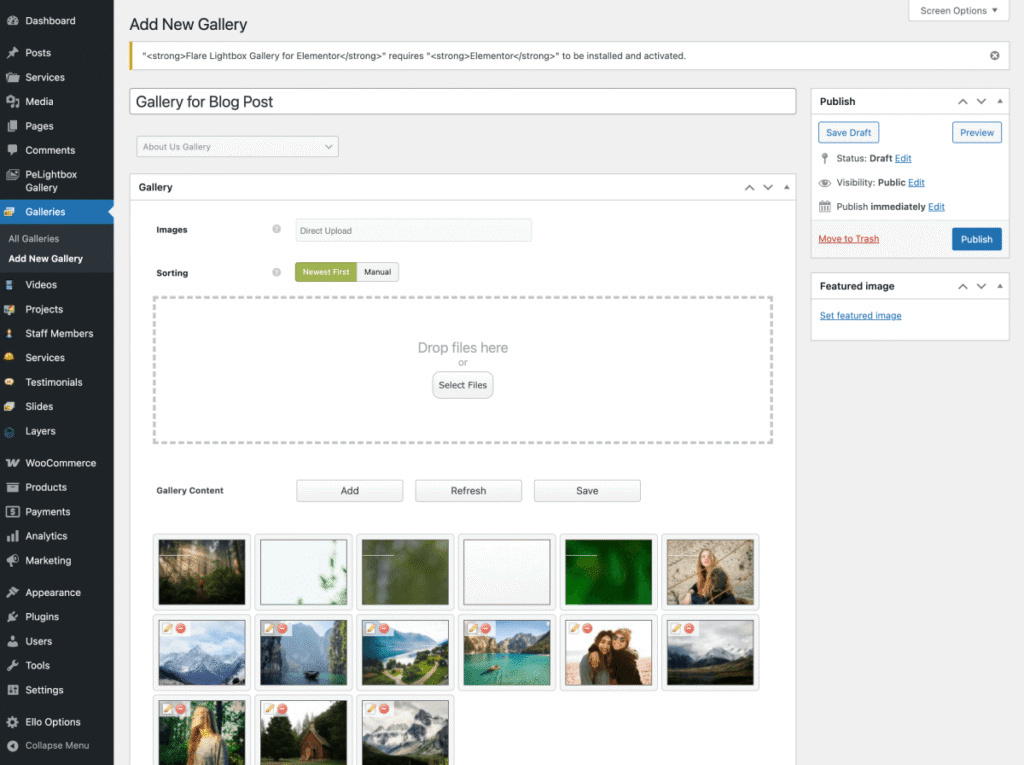
Video Tutorial How To Create Gallery
Open your WordPress post:
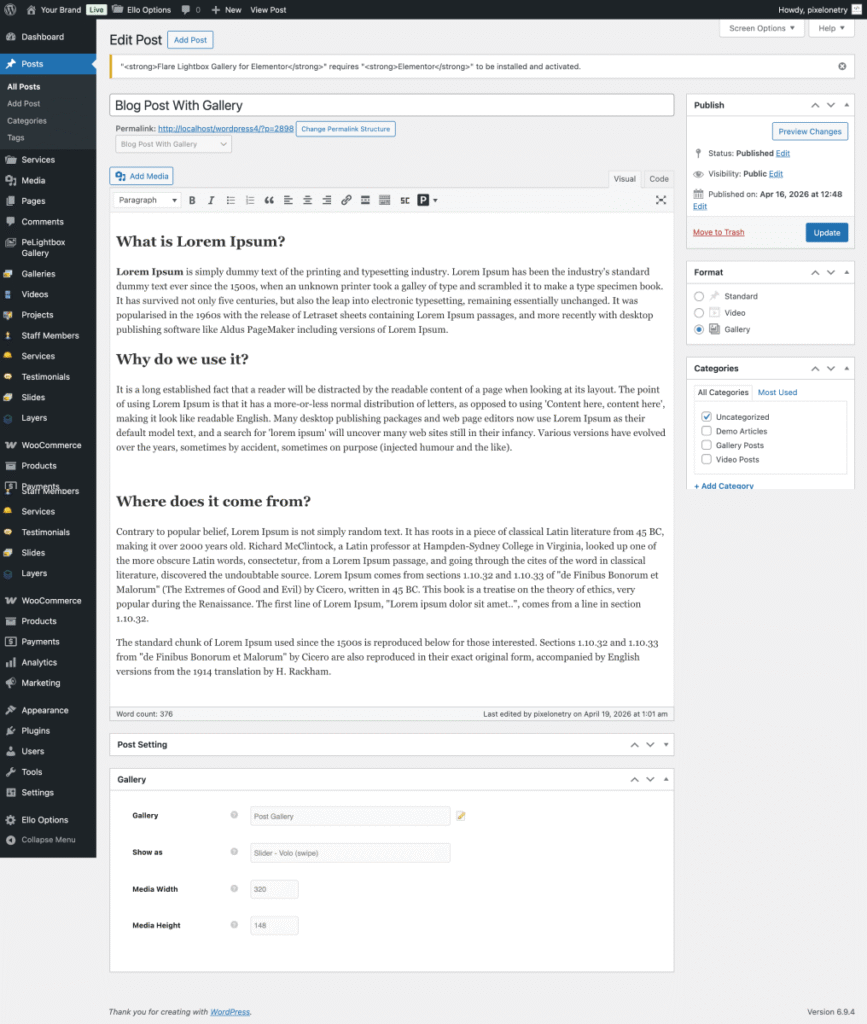
Inside post settings:
You can also adjust:
You can enhance your slider with:
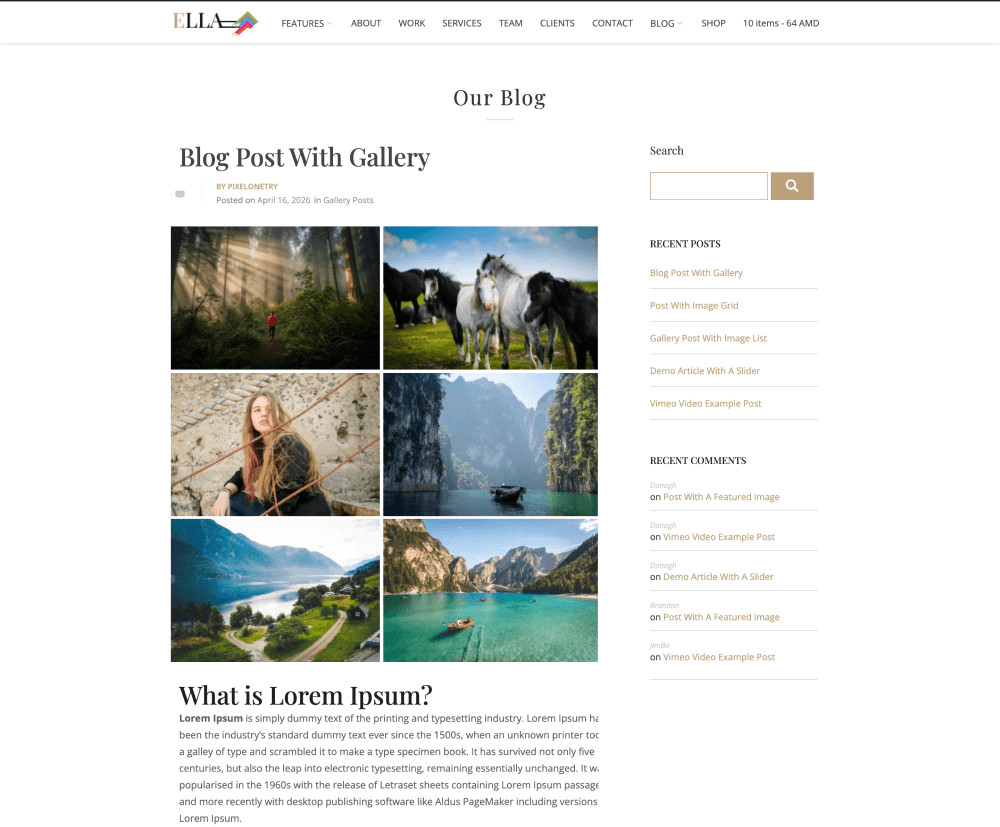
Click Publish, and your featured image will now work as a full gallery slider.
If you prefer a faster solution for WordPress Gallery Plugin:
👉 Use peLightbox Gallery Slider by Pixelonetry
It includes:

We're are pixelonetry creative studio! we make great digital assets for professionals...